

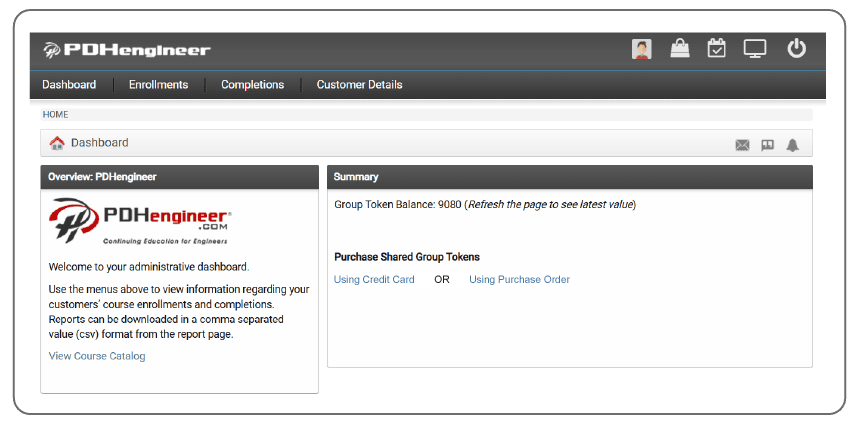
This dashboard provides useful tools and reports to help you manage your company’s group shared token account. Specific instructions are included below to help guide you through the different tools at your disposal.
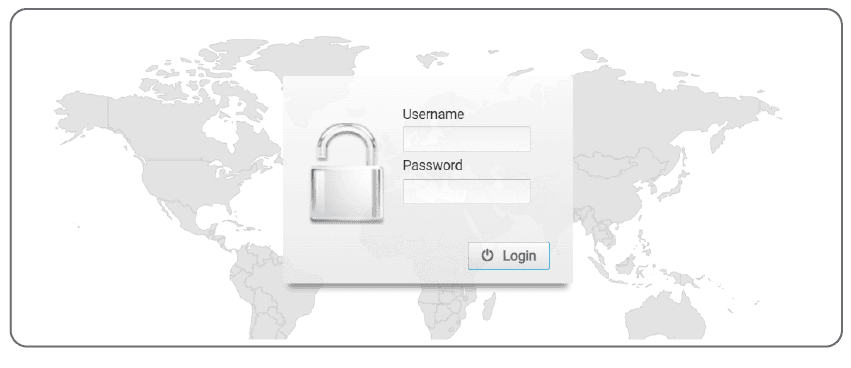
Your login information will be provided directly from the PDHengineer customer service team. Please contact us if you need assistance locating your login credentials.
Upon logging in, you will see a summary page that contains the current balance of shared tokens. This page also contains self-service links that will allow you to recharge your balance of shared tokens using a credit card or purchase order. These links will direct you to the PDHengineer website.
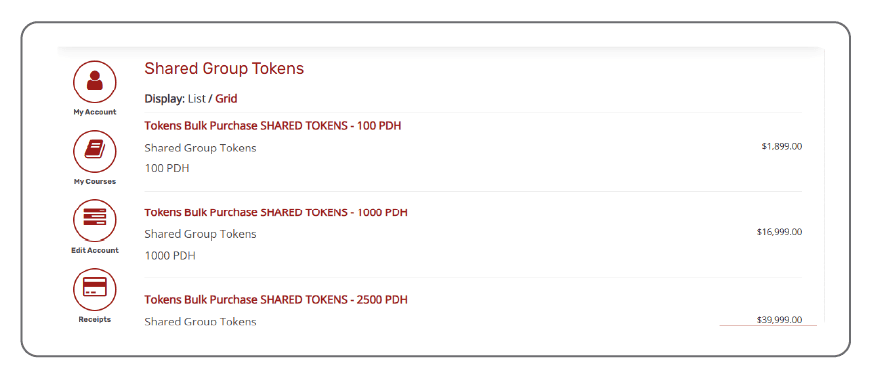
To recharge your shared tokens, click the appropriate link on the dashboard, then select the number of credits you’d like to add.
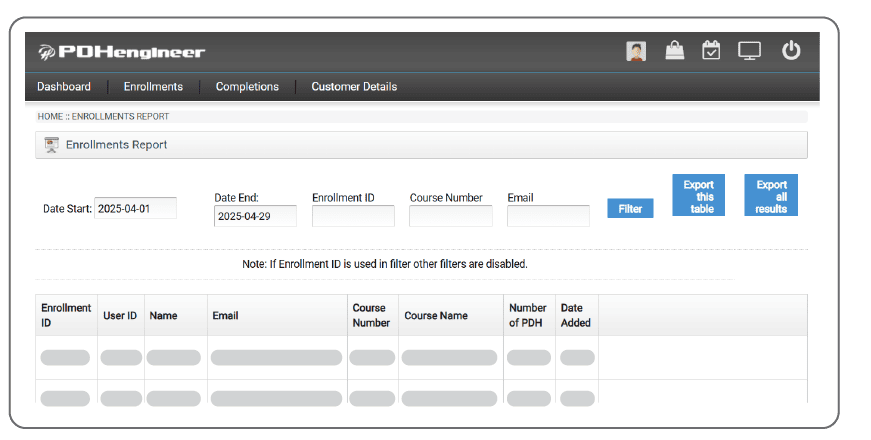
Use the “enrollments” tab to see the courses that your group members have added to their accounts. You can also search for individual enrollments and export the results to a CSV file for your records.
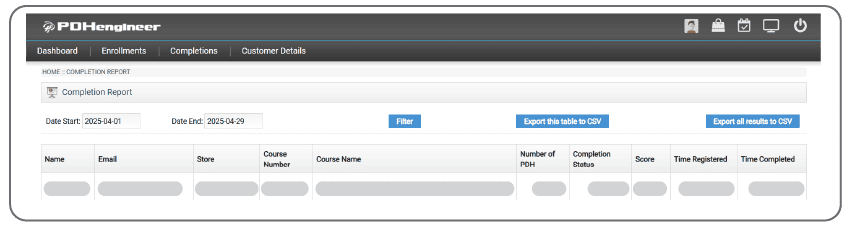
The “Completions” tab will allow you to view a similar dashboard that will provide the course completions, as opposed to just the enrollments. Through the comparison of these two reports, you will be able to determine if any of your group members have outstanding courses that have not yet been completed.
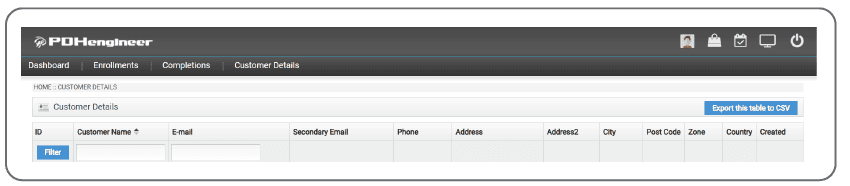
The “Customer Details” tab will allow you to view a report of your group members. Adding and removing group members is as simple as sending a quick email to support@PDHengineer.com.
Additional Notes:
Your Shared Tokens are designed to be easily available to your entire group. There are no preset limits on individual users’ token usage, but your group admin can use the dashboard reports to monitor employee course enrollment usage. Please do not hesitate to reach out to support@PDHengineer.com if you have any questions or need to add or remove group members. We hope that this dashboard will be helpful for your organization. Thank you for choosing PDHengineer for your continuing education needs.